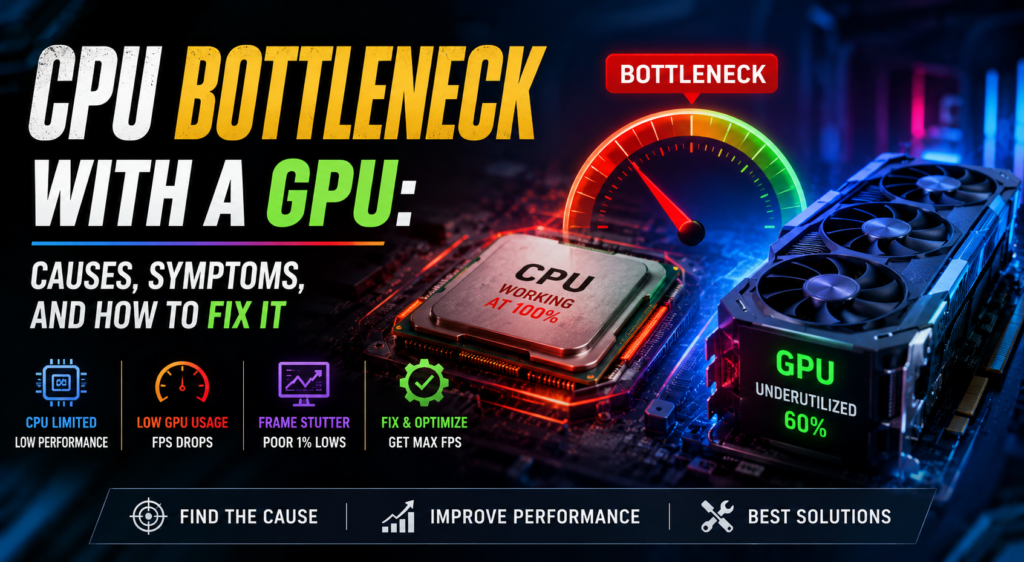
A powerful graphics card can significantly improve gaming performance, but pairing it with a weaker or older processor can create a CPU bottleneck. This happens when the CPU cannot process game instructions quickly enough to keep the GPU fully utilized. As a result, you may experience lower FPS, inconsistent frame times, stuttering, or poor performance even when your GPU is capable of much more.
Understanding the relationship between your CPU and GPU is important before upgrading your gaming PC.
What Is a CPU Bottleneck?
A CPU bottleneck occurs when the processor becomes the limiting component in a system. During gaming, the CPU handles tasks such as game logic, physics, AI, background calculations, and sending rendering instructions to the GPU.
When the CPU cannot keep up, the GPU has to wait for additional instructions. You might see your GPU usage sitting at 50–70% while the CPU, particularly one or more cores, is working close to its maximum capacity.
For example, pairing a modern high-end GPU with an older quad-core processor can cause noticeable CPU limitations, especially in CPU-heavy games.
What Causes a CPU Bottleneck?
Several factors can contribute to CPU bottlenecking. The most obvious is using an older or lower-performance processor with a much more powerful GPU.
Game requirements also matter. Some games depend heavily on CPU performance, particularly open-world games, simulations, strategy titles, and games with large numbers of characters or objects.
Resolution and graphics settings can also influence the situation. At lower resolutions such as 1080p, the GPU has less rendering work to perform, which can make the CPU limitation more noticeable. Increasing the resolution or graphics quality can shift more of the workload toward the GPU.
Background applications can contribute as well. Browsers, recording software, launchers, and other programs running while gaming may consume CPU resources.
How to Identify a CPU Bottleneck
One of the easiest ways to identify a CPU bottleneck is to monitor CPU and GPU usage while playing a game.
If your CPU usage is consistently very high while GPU usage remains relatively low, the processor may be limiting performance. However, overall CPU usage can sometimes be misleading because games may heavily use only a few CPU cores.
You should also monitor FPS and frame-time consistency. If lowering graphics settings produces little or no FPS improvement, the CPU may already be limiting your system.
Tools such as MSI Afterburner, HWiNFO, and Windows Task Manager can help monitor system performance.
How to Reduce a CPU Bottleneck
The most effective solution is upgrading the CPU to a faster model that is compatible with your motherboard. Increasing RAM capacity and using faster memory can also help in some systems, particularly when the existing memory is insufficient.
You can also reduce CPU-heavy settings inside games. Options such as crowd density, view distance, simulation quality, and object detail can sometimes place additional workload on the processor.
Closing unnecessary background applications may provide a small improvement as well.
Another option is increasing the resolution or graphics settings when appropriate. This does not actually make the CPU faster, but it can shift more of the workload toward the GPU and create a more balanced workload.
Is a CPU Bottleneck Always Bad?
Not necessarily. Some level of CPU limitation is normal, and there is no requirement for CPU and GPU usage to remain perfectly balanced.
In fact, being CPU-bound can be preferable to having an unnecessarily powerful CPU paired with an underused GPU. The important question is whether the bottleneck prevents you from achieving the performance you want.
For example, if your system delivers stable FPS at your monitor’s refresh rate, a small CPU bottleneck may not matter at all.
Final Thoughts
A CPU bottleneck with a GPU occurs when the processor cannot supply enough work to keep the graphics card performing at its full potential. It is particularly common when a powerful modern GPU is paired with an older or entry-level CPU.
Before upgrading, monitor CPU and GPU usage, check your FPS and frame times, and consider the games you actually play. If the CPU is consistently limiting performance, upgrading the processor may provide a bigger improvement than purchasing an even more powerful graphics card.