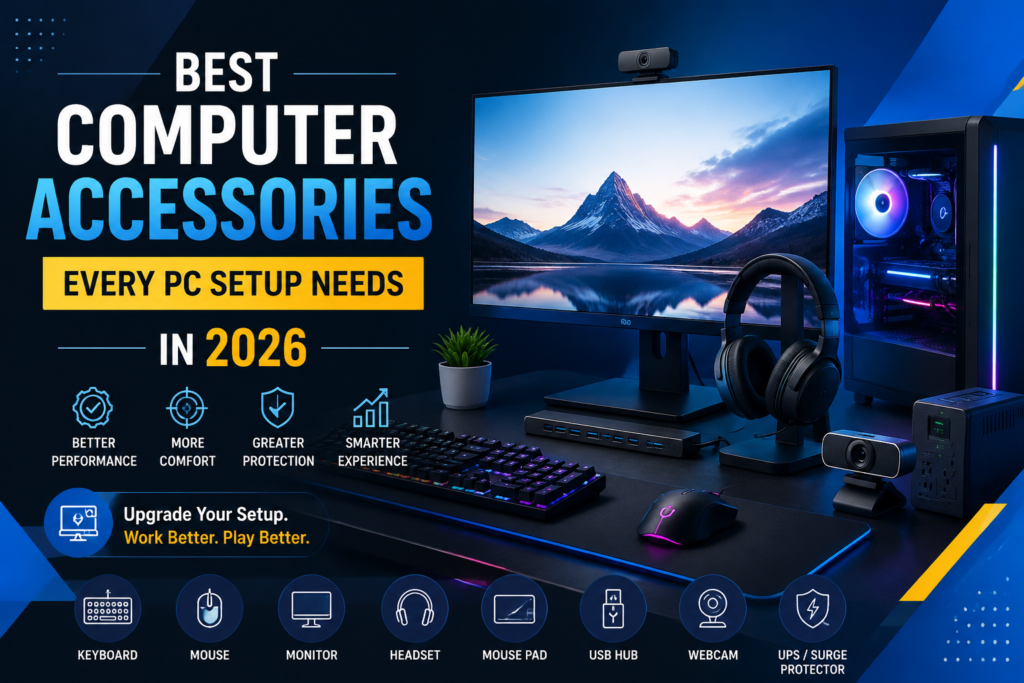
Building a good PC setup is not only about choosing a powerful processor, graphics card, or large amount of RAM. The right computer accessories can make your setup more comfortable, useful, and enjoyable.
Whether you use your PC for gaming, office work, studying, content creation, or everyday browsing, a few accessories can make a big difference. You do not need to buy everything at once. Start with the accessories you actually need and build your setup over time.
Here are some of the best computer accessories for a PC setup in 2026 that you should consider.
1. A Comfortable Keyboard
Your keyboard is one of the accessories you will use the most. A good keyboard can make typing faster and more comfortable, especially if you spend several hours working or gaming.
Mechanical or Membrane Keyboard?
Mechanical keyboards are a popular choice for gamers and people who type a lot. They usually offer better key feedback and can feel more responsive.
A membrane keyboard can be a better choice if you want something simple and affordable for normal office work, browsing, or studying.
When choosing a keyboard, look for:
- Comfortable keys
- Good build quality
- A layout that suits your work
- Wired or wireless connectivity
- Backlighting if you use your PC at night
2. A Reliable Computer Mouse
A mouse may look like a small part of your PC setup, but you will notice the difference when you use a good one.
For everyday work, choose a mouse that feels comfortable in your hand and moves smoothly. If you are a gamer, look for a mouse with accurate tracking, adjustable DPI, and buttons that are easy to reach.
A wireless mouse can also help keep your desk clean by removing another cable from your setup.
3. A Good Monitor
Your PC may have powerful hardware, but a poor monitor can still make the experience disappointing.
When choosing a monitor, think about how you use your computer.
For Office and Study
A Full HD monitor with a comfortable screen size can be enough for documents, browsing, online classes, and general work.
For Gaming
Gamers should consider a monitor with a higher refresh rate, such as 120Hz, 144Hz, or higher. A faster refresh rate can make movement look smoother during games.
Also check the response time, resolution, panel type, and adaptive sync support before buying.
4. Headphones or a Gaming Headset
Good headphones are useful for much more than gaming. You can use them for online meetings, music, movies, online classes, and video editing.
If you attend meetings or play multiplayer games, consider getting a headset with a built-in microphone.
Look for:
- Comfortable ear cushions
- Clear sound
- A good microphone
- Wired or wireless connection
- Noise isolation or noise cancellation
You do not always need an expensive headset. The important thing is finding one that matches your needs.
5. A Large Mouse Pad
A mouse pad is one of the simplest upgrades you can make to your desk.
A larger mouse pad gives your mouse more room to move and can also protect your desk surface. Extended mouse pads are especially useful if you have a keyboard and mouse on the same surface.
For gaming, choose a smooth and durable surface that allows consistent mouse movement.
6. USB Hub for More Connectivity
Modern PCs often have several USB devices connected at the same time. You may have a keyboard, mouse, USB drive, printer, phone, webcam, and other devices.
That is where a USB hub can help.
Instead of constantly unplugging one device to connect another, you can use a USB hub to add more available ports.
Before buying one, check the USB version, number of ports, power requirements, and transfer speed.
7. Webcam for Online Meetings
If you work from home, study online, or attend regular video meetings, a webcam can be a useful addition to your setup.
Many laptops already include webcams, but desktop PC users often need to buy one separately.
A good webcam should provide clear video and work well under normal indoor lighting. A built-in microphone is also useful if you do not already have a separate microphone or headset.
8. UPS or Surge Protector
Protecting your computer is just as important as improving it.
A surge protector can help protect your PC and accessories from sudden voltage changes. If you experience regular power cuts, a UPS can give you backup power and help you shut down your computer safely.
This is especially useful if you have important work, files, or projects on your PC.
9. Cable Management Accessories
A powerful PC setup can still look messy when cables are everywhere.
Simple cable management accessories can help you keep everything organized.
You can use:
- Cable clips
- Velcro cable ties
- Cable sleeves
- Under-desk cable trays
A cleaner desk not only looks better but also makes it easier to clean, upgrade, and troubleshoot your setup.
How to Choose the Right PC Accessories
You do not need to buy every computer accessory you see online. Start by thinking about how you use your PC.
If you mainly work or study, focus on a comfortable keyboard, mouse, monitor, headset, and UPS.
If you are a gamer, a high-refresh-rate monitor, gaming mouse, mechanical keyboard, headset, and large mouse pad may be more useful.
If you work from home, consider adding a webcam, microphone, and USB hub.
The best setup is not always the most expensive one. It is the setup that makes your daily computer use easier.
Upgrade Your PC Setup in 2026
The right computer accessories can turn a basic computer into a complete and comfortable PC setup. From a reliable keyboard and mouse to a good monitor, headset, UPS, and cable management tools, every accessory has a purpose.
Before buying, consider your budget, your daily needs, and the features that actually matter to you.
If you are looking for computer accessories, PC components, or other computer products, Shahzaib Computers can help you find the right options for your setup without spending money on things you do not need.